

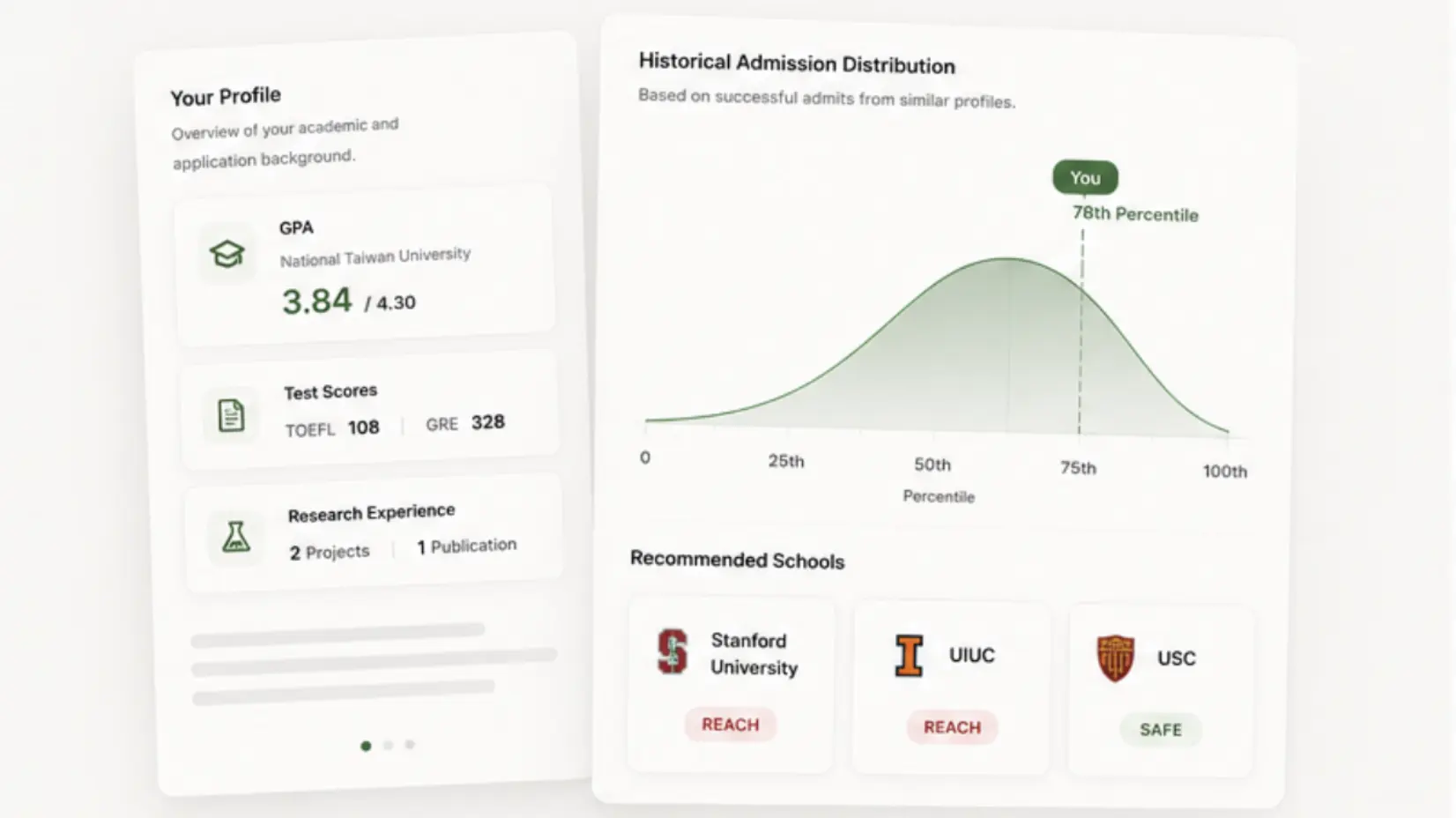
Taiwan-Tailored Data
Real admission data. No more guessing.
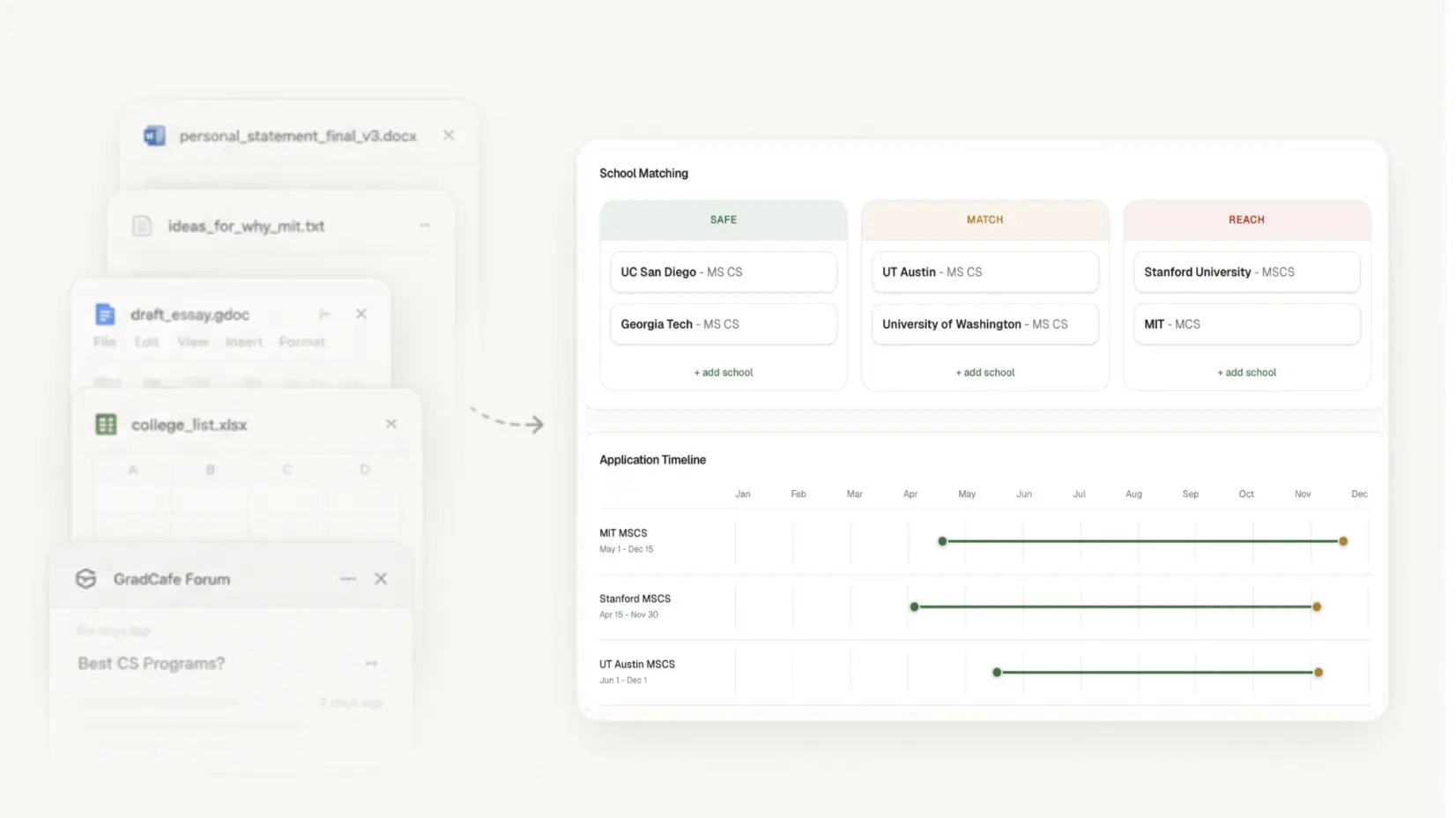
One Workspace
Say goodbye to 30 tabs.
Don't know where to start? Too busy at work?
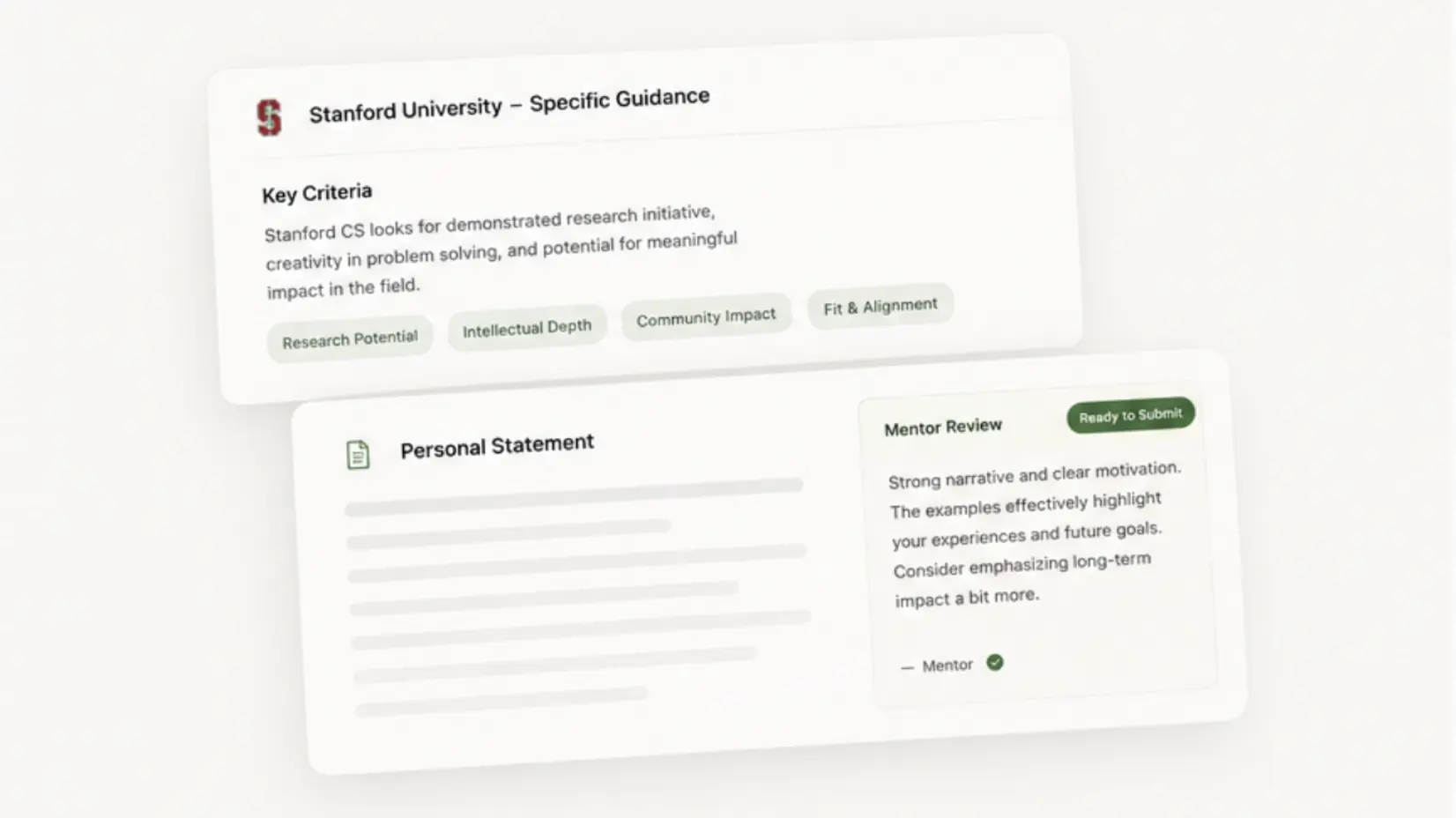
AI & Human Review
Write with confidence.
Program-specific guidance and reviews by professionals.
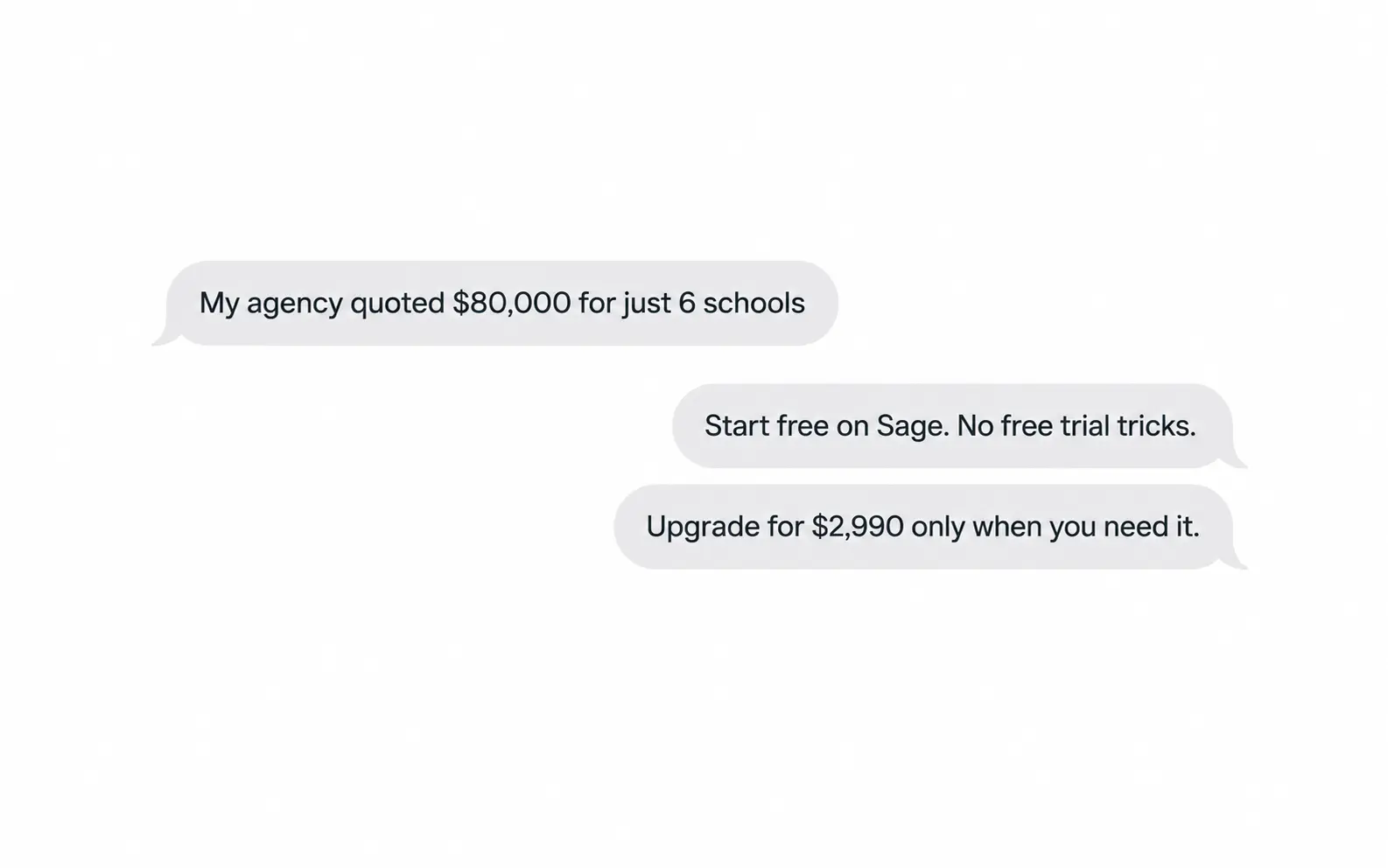
Transparent Pricing
10x cheaper. 100x more control.
Why Sage
How Sage compares
See the side-by-side breakdown across every major tool and service in the market.
| Metric | Sage | ChatGPT | Forums | Agency | Tutor | Consultant |
|---|---|---|---|---|---|---|
| Taiwan program data | ||||||
| Free Program Fit | ||||||
| Workspace | ||||||
| Program guidance | ||||||
| AI tools & Templates | ||||||
| Human Review | ||||||
| Personalized | ||||||
| Cost | Free / NT$4,990 | NT$600+/mo | N/A | NT$80,000+ | NT$2,000+/hr | NT$150,000+ |
4,000+
Programs covered
15+
Countries covered
100+
Local Historical admission cases
10×
More affordable than agencies
Applicants who've been through the Sage








Ready to plan your applications?
See which school you will land in now, or open the workspace to explore directly.
FAQ
Frequently asked questions
Can I try Sage before paying?
Yes. Program Fit and a personal workspace is completely free, and the Basic Plan includes program exploration, profile building, document editing, PDF export, and tracking up to six programs on your Planning board. The Application Season Pass unlocks AI planning, AI writing, AI reviews, human-review requests, and unlimited program targets.
What is the difference between the Basic Plan and the Application Season Pass?
The Basic Plan includes free Program Fit, program exploration, profile and academic CV tools, document editing, PDF export, and up to six programs on your Planning board. The 2026/2027 Application Season Pass adds AI planning review and advisor, document drafting and improvement, AI admission reviews, human-review requests, and unlimited program targets for NT$4,990, with access through June 30, 2027.
Why use Sage instead of ChatGPT or Gemini?
Sage is data-backed and grounded in internal school-/program-level requirements and writing guidance. General-purpose AI tools can help with individual questions, but Sage keeps your profile, target preferences, program requirements, documents, application progress, and review feedback in one place, so document polishing can follow the expectations of the school and program you are targeting.
Why use Sage instead of managing applications in Microsoft Word and Google Docs?
Microsoft Word and Google Docs are useful writing tools, but managing applications across scattered files makes it difficult to track requirements, document versions, deadlines, and feedback. Sage brings program research, application requirements, documents, tasks, timelines, AI reviews, and expert feedback into one connected workspace, so everything stays organized around each application. You can still export finished documents as formal PDFs when you are ready to apply.
Why use Sage instead of scraping data from PTT, Dcard, or other forums?
Forums can offer useful personal experiences, but their posts are informal, uneven in quality, and difficult to keep up to date. Sage organizes structured, program-specific information, score distributions, and application guidance in one workspace, so you can work from relevant evidence instead of manually collecting scattered forum posts.
Why use Sage instead of an application agency?
Agencies can be helpful, but they may limit the number of document-polishing rounds and can be expensive. Sage gives you a connected workspace for ongoing preparation, with professional review when you need expert feedback.
How are documents reviewed?
After you mark a document complete, you can run a structured AI admission review with scores, strengths, risks, and section-level feedback. You can then request a human review from professionals, native English speakers, and academics with relevant application experience. Both AI and human review features require an active Application Season Pass.
Can I submit applications directly from Sage?
You can export completed CV / documents as PDFs in a formal, application-ready format and upload them to the university's application portal.
What if I cannot find the program I want?
Use Request a Program or Report an Error buttons in the Explore page. We guarantee that missing-program and data-error requests will be reviewed and addressed within 24 hours.